Digitale Lehrinhalte VS Schrebergasse
Kursleitung: James Miller
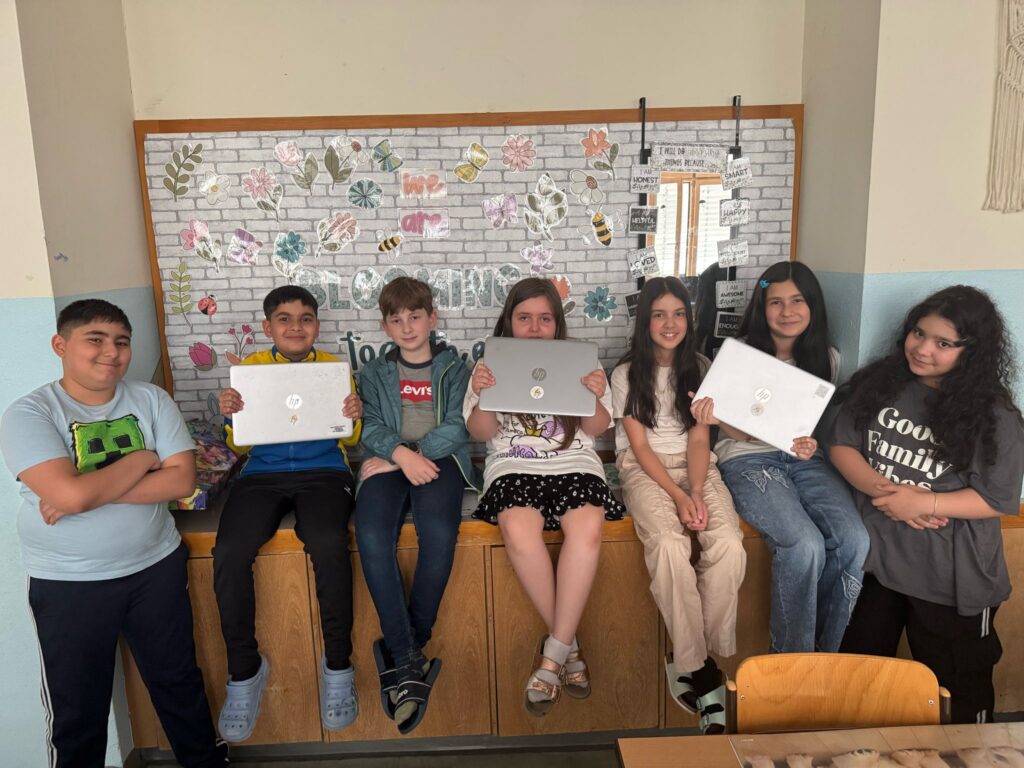
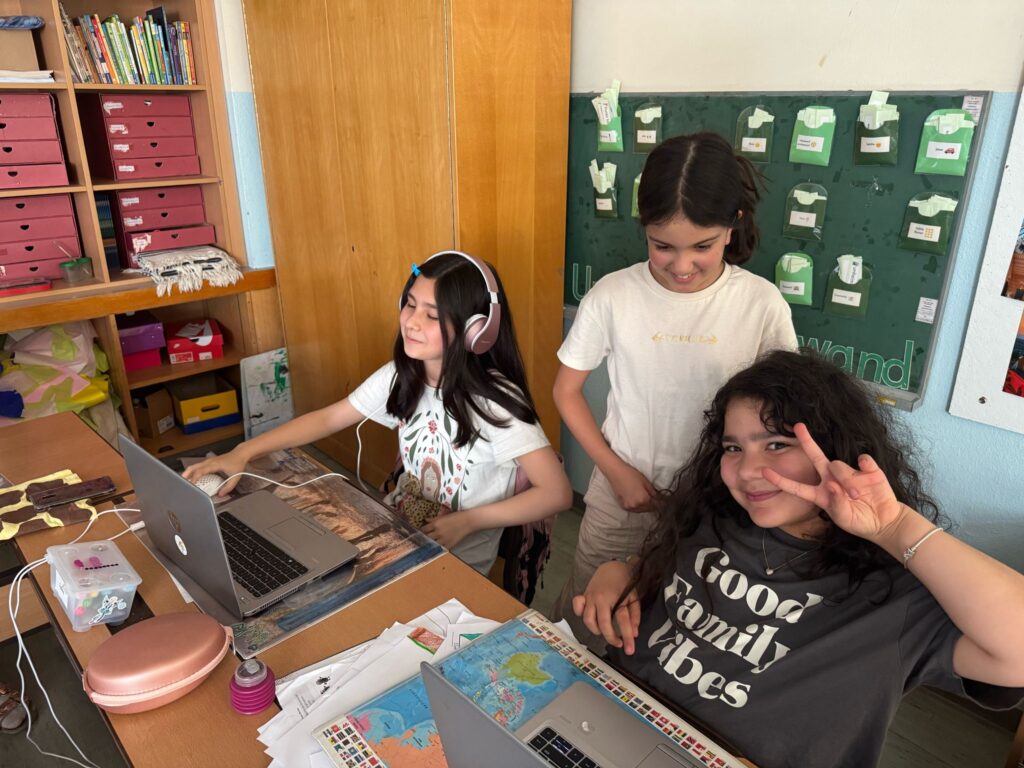
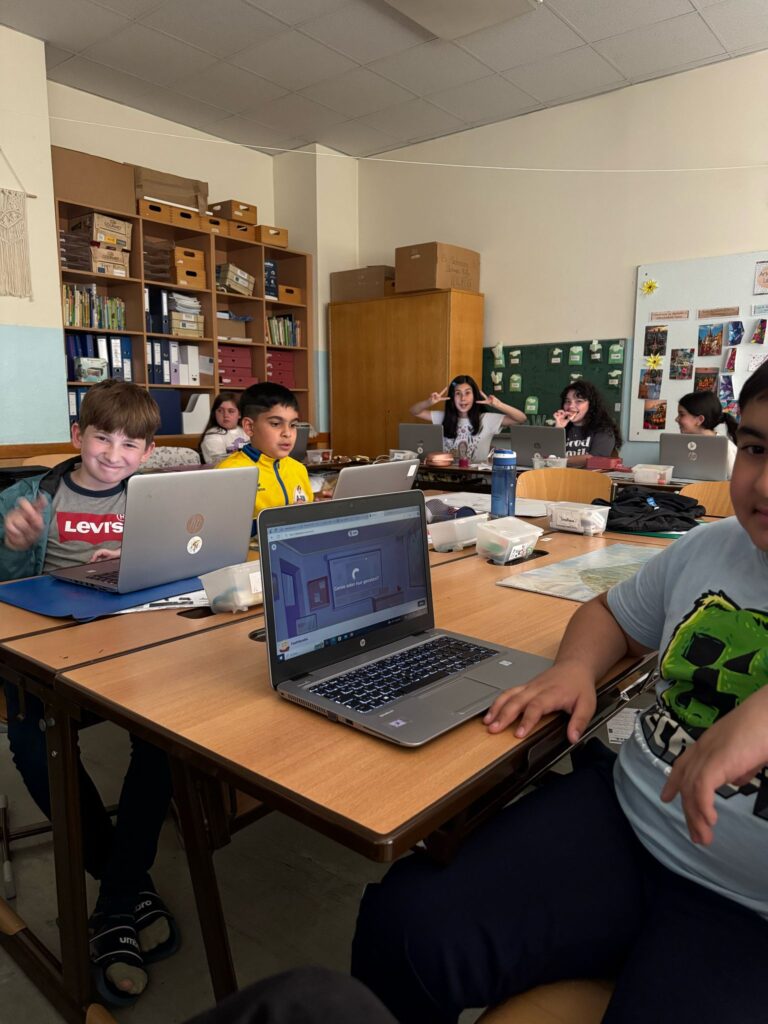
Our first session has come and gone already, we had so much fun! After handing out the laptops to the children, we went over the general keys and directions to get started on the laptops. Once the children got the hang of it, we connected to the internet and then to the web, today’s plan was for the children to create their very own dance video through a program called code. I had previously set up the children login codes and pictures to get started, once logged in, they got to play around with various settings to get their dance video going. I had previously made one and showed them mine and the general know how to get started.
The kids got cracking and came up with some creative intent. A great lesson where the children wanted to do more and more, some concentrated more on the music or the background, where others went for the “characters” and their actions! Time flew by, we did manage at the end to go around all the children’s work and joyfully watch what they had created!
Feedback
The kids gave great feedback where they were thrilled with the hours they had spent learning and being creative. Their only slight negative was that it took a while to get set up (on the internet and then onto the program) this was because it was new for all of them and it did take time, it was the only “negative” feedback that I could give the lesson too, I reassured the kids it would only get easier each week as they got used to the set up. I also found it hard finding so many plugs to keep the laptops with enough battery. There were not many plug sockets in the class, and unfortunately, we have no room that does have this facility. We used a lot of extension leads to make sure the children’s work wasn’t interrupted!
Roll on next week’s session.
Session 2 was so much fun, the plan was to carry on with code today, where the children would learn how to program and to see how AI works and what it is for. I showed the children today’s plan and went through step by step what they needed to do to get started. (Same steps as last week) Then the children logged in as usual after setting up the internet and got cracking on the Ocean program, some were finished sooner than others and some liked to play around with it more. At the end they got an online certificate and then could go onto the next project. (Minecraft) Some were not so interested in the Minecraft adventure builder but tried the first few parts, some also found it too hard, these children were allowed to choose another program, some picked the dance party, others sports program or game lab, here they could try out there learnt skills in programming etc.
At the end of the lesson, we reviewed the children’s projects and gave feedback over the session in general.
You could see many of the children’s computer skills developing after just 4 hours.
Feedback
It didn’t take as long this time to get online (internet) as a few children understand the process. Others found it still very hard. Feedback from the children was that today’s lesson was more fun and they learnt more about programming through the courses on code.
Be internet awesome (google program)
Today’s lesson was something a bit different, we planned to use a google platform called be internet awesome, this is a free and easy to use platform where the children learn about smart internet, being kind to other, spreading positivity, when in doubt talk it out, not falling for fake and keeping our personal secrets safe from the hackers.
After we all logged on to the internet successfully, each week getting a little easier! We cracked on with today’s program, on the be internet awesome website there is a game lounge called Interland, here the kids can play 4 different games, going over the topics above. All are different and all provide a challenge to the children, each level has assistance and multiple option questions at the end to test the children. The program is really impressive, and I would highly recommend it to others wanting to find a cool program to use with the children. They loved the session and watching their progress was a lot of fun for me too. We had a feedback chat after and the feedback was great, the children really enjoyed the lesson, talked about their favourite levels and before tidying up we went over what they had learnt. It was interesting and surprising to see what the children took out of the lesson, roll on next week’s lesson, it’s getting hard to try and top each week! But we will try!
Fortsetzung DigiFö-Kurs auf Englisch
Session 1, time: 2 hours
Class: 4b – 4th grade
Theme: Be internet awesome (google program)
I’m back and raring to go with a brand-new class, excited to see what we can do better, differently, and how the kids react to some of the same awesome programs we used with the first group!
We kicked off our first lesson by discussing the exciting plan for the next 8 weeks. There’s a lot of cool stuff ahead, from mastering internet safety to diving into some fun coding activities and even exploring digital creativity. It’s going to be a jam-packed journey full of challenges, games, and plenty of new things to learn!
Once we got that all set, it was time to log onto the laptops and jump into the action. Since everyone is in 4th grade, most of the kids got onto the internet easily this time, but a few still needed a little extra help getting things set up. No worries though—it didn’t take long, and we were ready to go.
Then it was time to dive into „Be Internet Awesome“! The kids had a blast with the program. We started off in the game lounge called Interland, where they could play four exciting games that teach important lessons like being kind online, staying safe, and not falling for fake stuff. Every game provided a challenge, with tips and multiple-choice questions to help them along the way.
It’s such a great program, and I’d recommend it to anyone wanting to teach kids how to be smart and safe on the internet. The kids were super engaged, and it was so much fun watching their progress. At the end, we chatted about what they learned and their favourite parts of the session. It was awesome hearing what stuck with them.
Looking forward to next week.
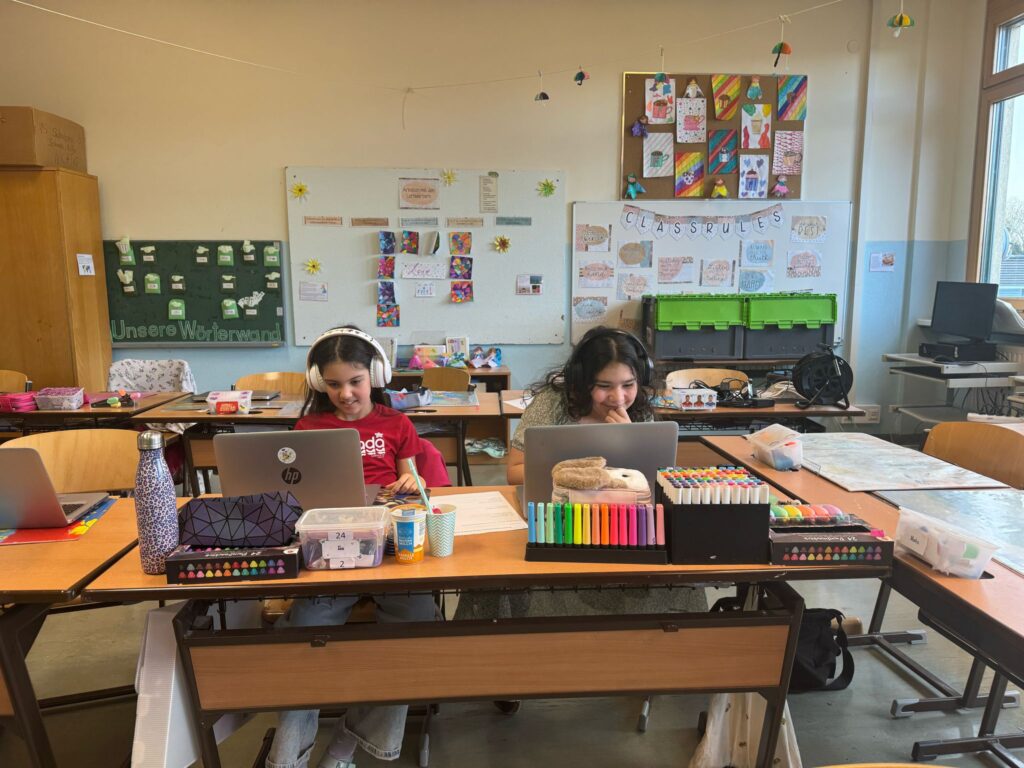
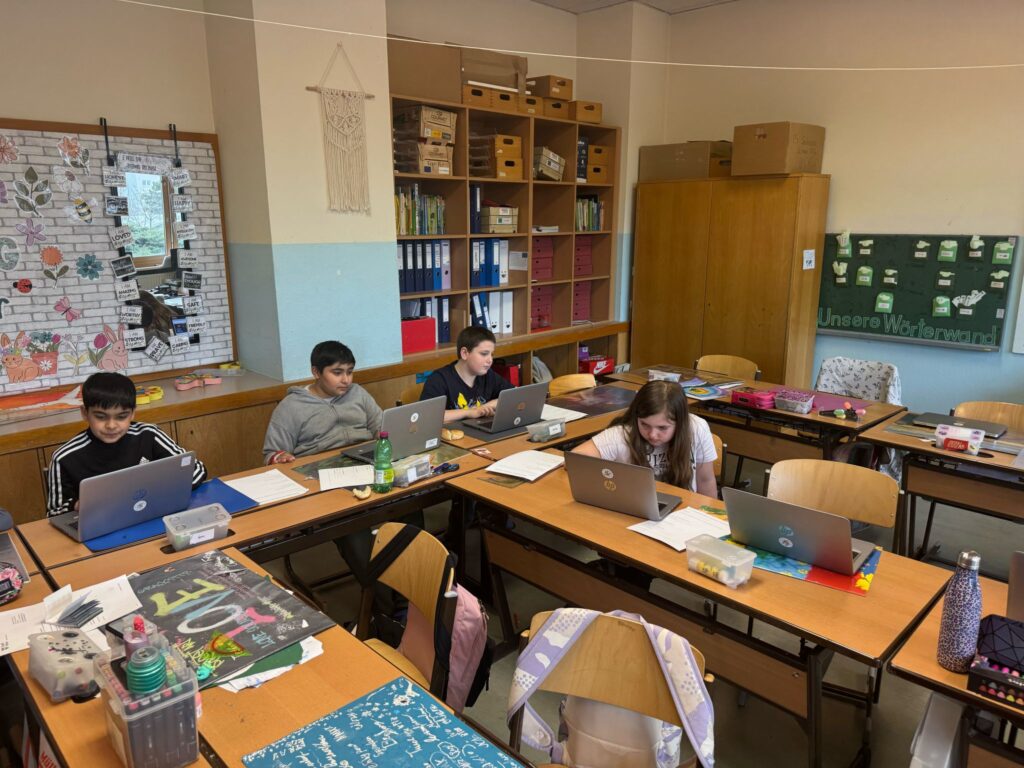
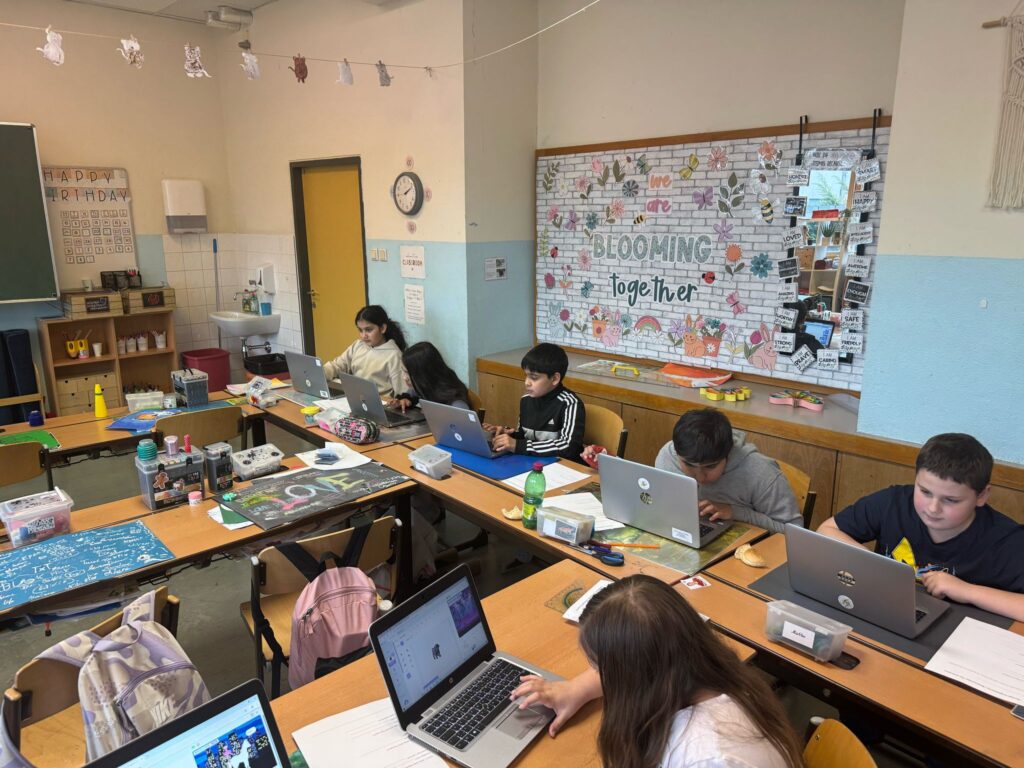
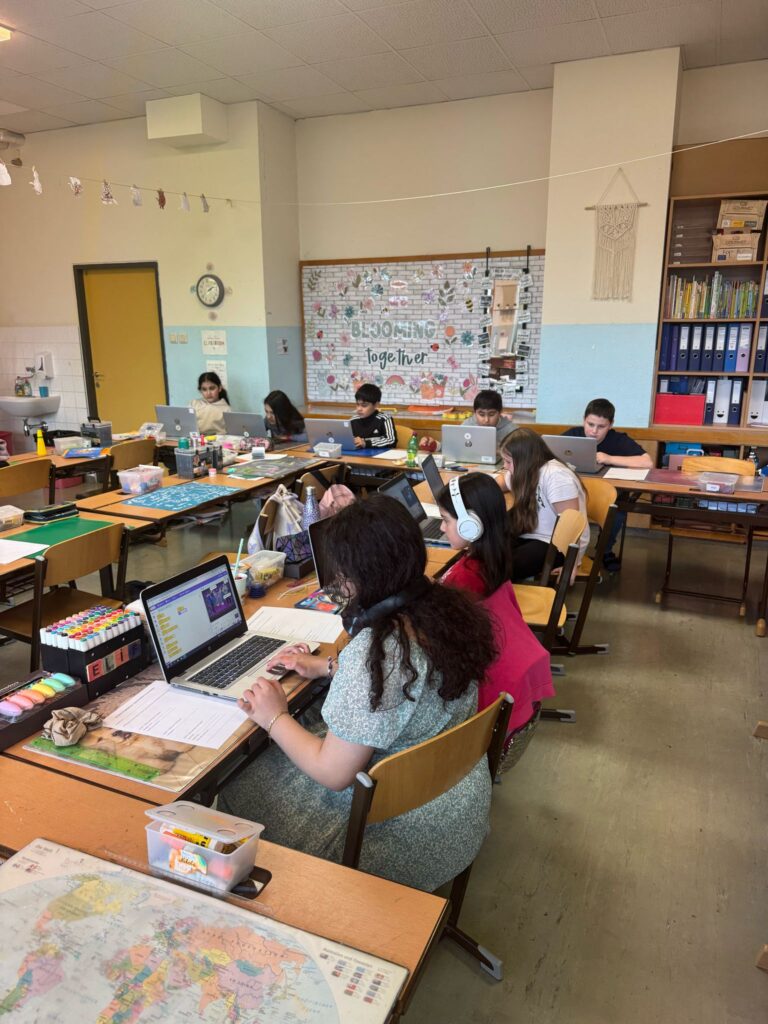
For week 2, we worked with the Scratch program. Having previously used Scratch Junior with the younger kids, I was excited to introduce the main version to the older group.
The goal for today was to create a short video or clip where the students would add their sprites and make them perform actions like talking, moving, or dancing. They also had to choose a background and add music to their creations.
I provided the students with a worksheet outlining the steps to complete the project, and they were asked to document their progress along the way. At the end of the lesson, each student shared their work and we compared their clips to the steps on the worksheet.
It was amazing to watch the kids express their creativity through their clips. The projects were varied, ranging from a music band performing on stage to a sprite scoring a goal in a football stadium. Scratch’s drag-and-drop blocks make it easy for the students to have fun and learn quickly, which was evident in their work.
I was really impressed and proud of what they accomplished, and it was clear they enjoyed themselves. Music was a big highlight for the kids—they really got into adding sound to their projects. It was a fun and rewarding session overall!
Session 3, time : 2 hours
Class : 4b
Theme : Scratch
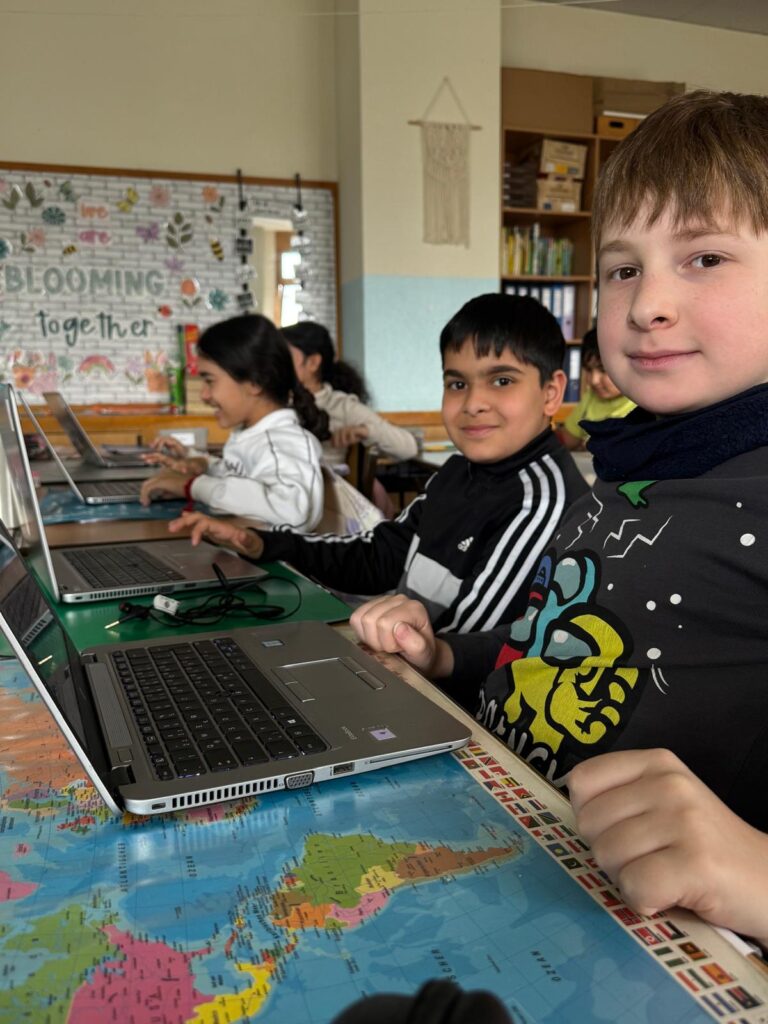
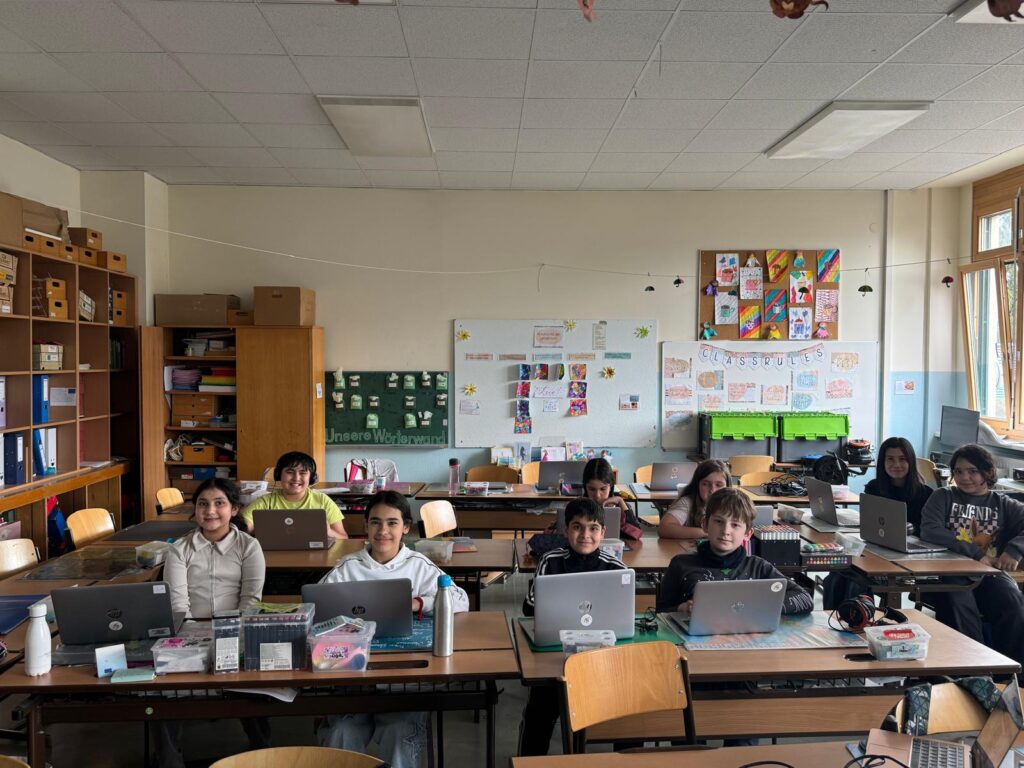
In the third week of our computer course, we continued working with Scratch. The children who hadn’t finished their reports had the opportunity to complete them, and many of them really enjoyed presenting their projects to the group. The written worksheets we prepared were also a great success and helped structure their work nicely.
In the second half of the session, we shifted our focus to exploring websites. I introduced the children to a few platforms where they could try out basic programming activities. Their mission, however, was to go one step further: they were asked to discover and explore new websites related to programming or internet safety on their own. Afterwards, they shared their findings with me and each other.
It was a lot of fun, and I’m genuinely proud of how independent and curious the children have become in such a short time!
Roll on next week !!
Session 4
Time – 2 hours
Topic: Programming a Game – „Catch the Apple“
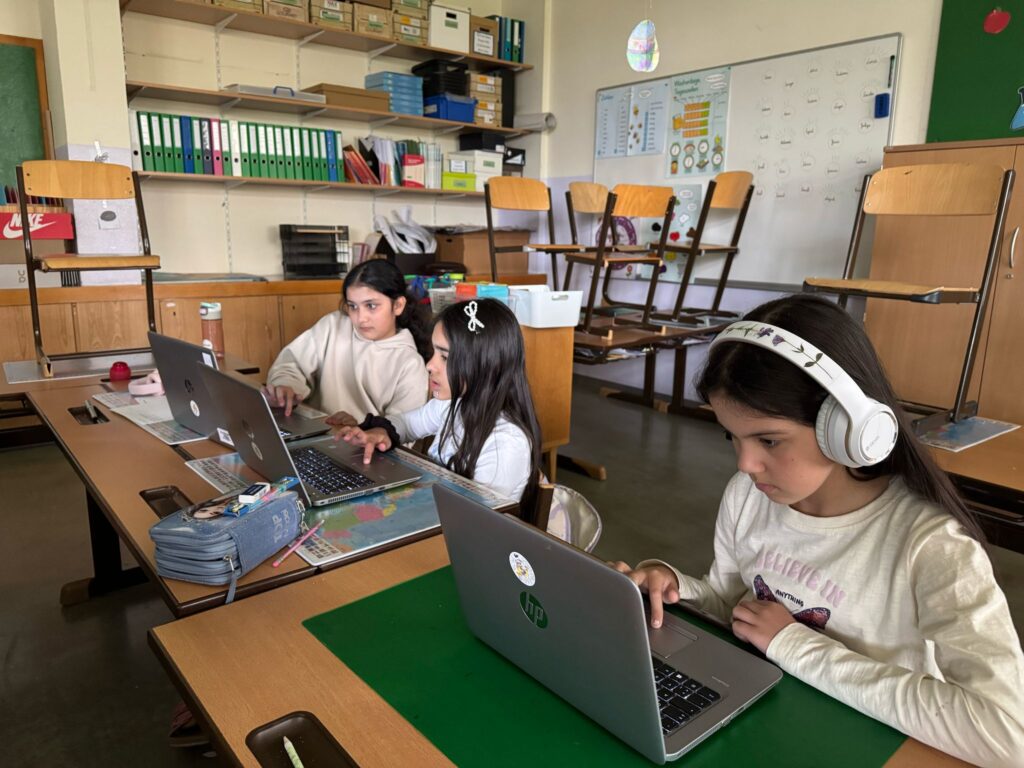
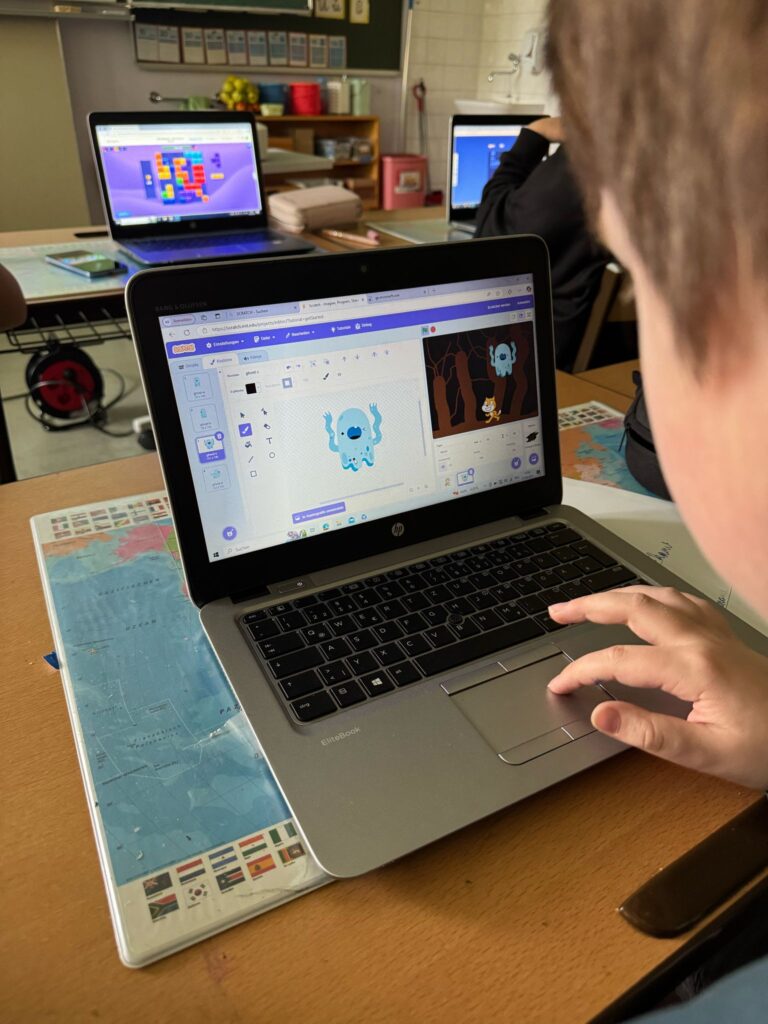
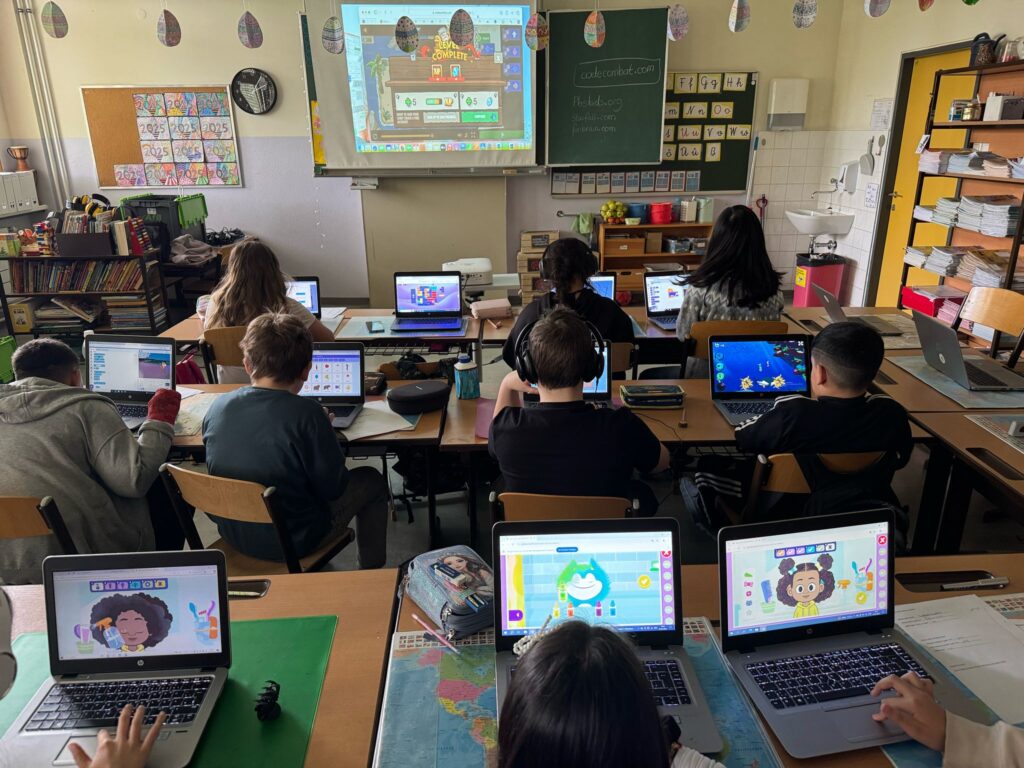
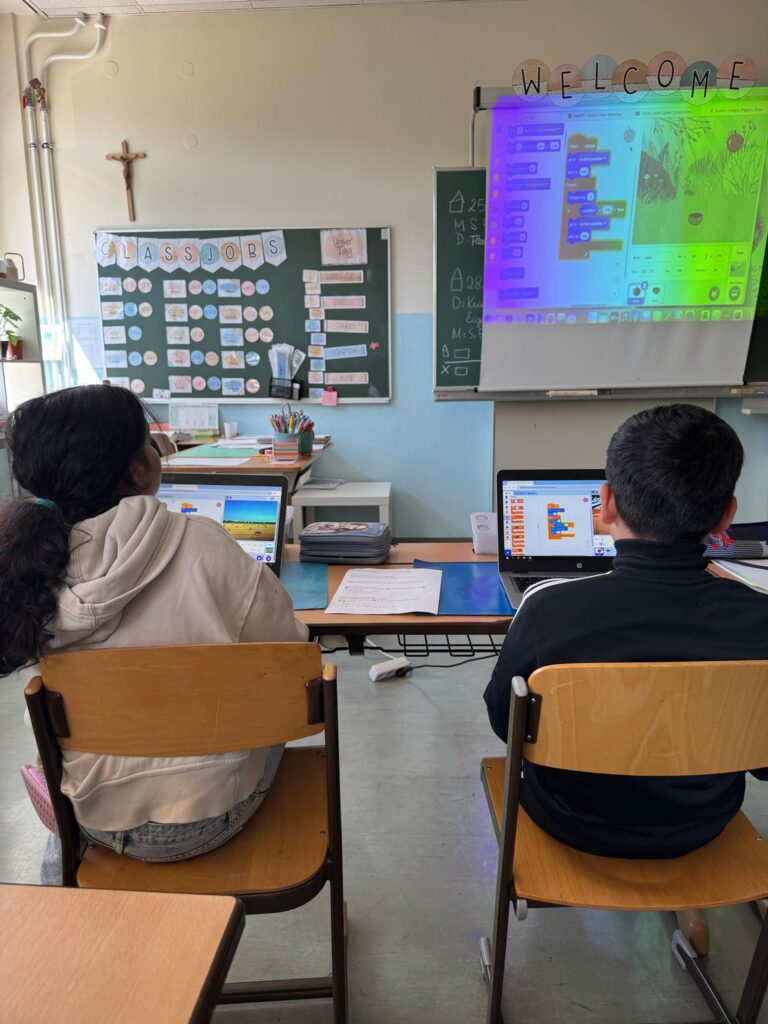
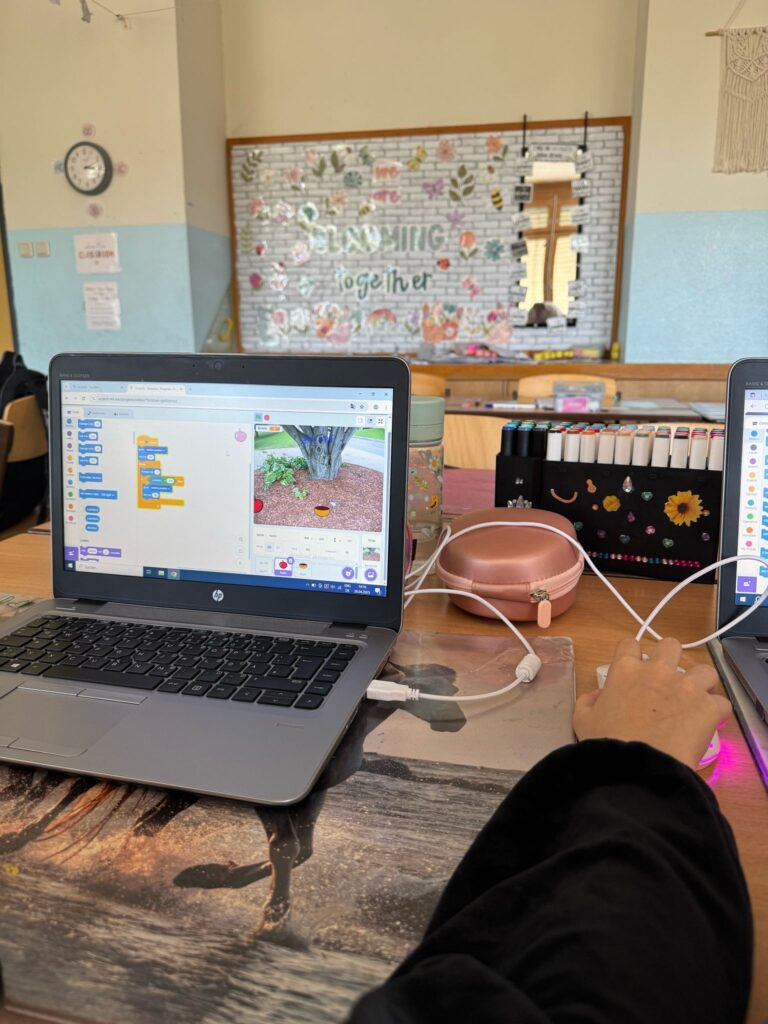
Today, we continued our journey with Scratch, and the focus was on programming a simple but challenging game: Catch the Apple. In this project, the children had to create a game where a basket catches falling apples, requiring the use of various Scratch tools and programming techniques.
At the beginning of the lesson, I demonstrated a completed version of the game to give the children a clear idea of the goal.
Although the game sounds easy at first glance, the programming steps involved were quite complex and pushed the children to apply critical thinking and problem-solving skills.
To support the children, we used a step-by-step instructional video from YouTube, which was very effective in guiding them through the process. I also provided printed worksheets detailing each step so that the children could work independently or in small groups, depending on their level.
The children were highly focused and motivated throughout the session.
While we didn’t manage to complete the games today, the group made excellent progress and had a lot of fun in the process. I noticed that with this group of older children, handing out worksheets worked very well—they were able to follow the instructions independently much better than the younger children I worked with during the previous course, where a more hands-on approach was necessary.
Overall, it was a very positive and productive session. I look forward to continuing the project in the next lesson!
Session 5
Time – 2 hours
Topic: Programming a Game – „Catch the Apple“
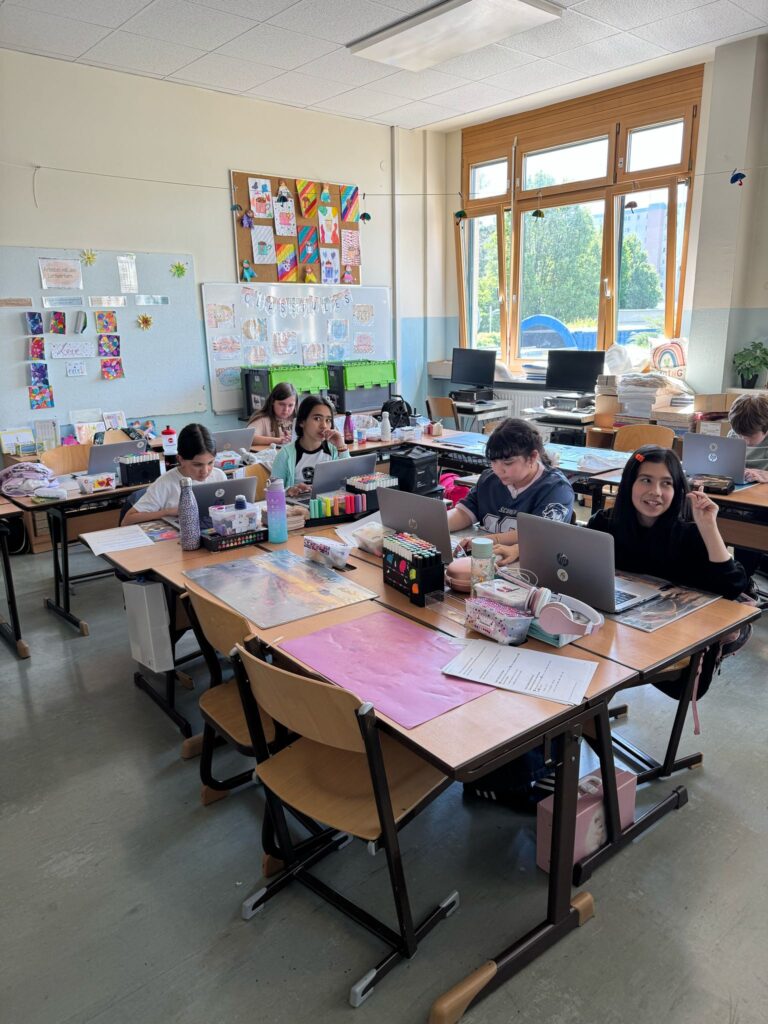
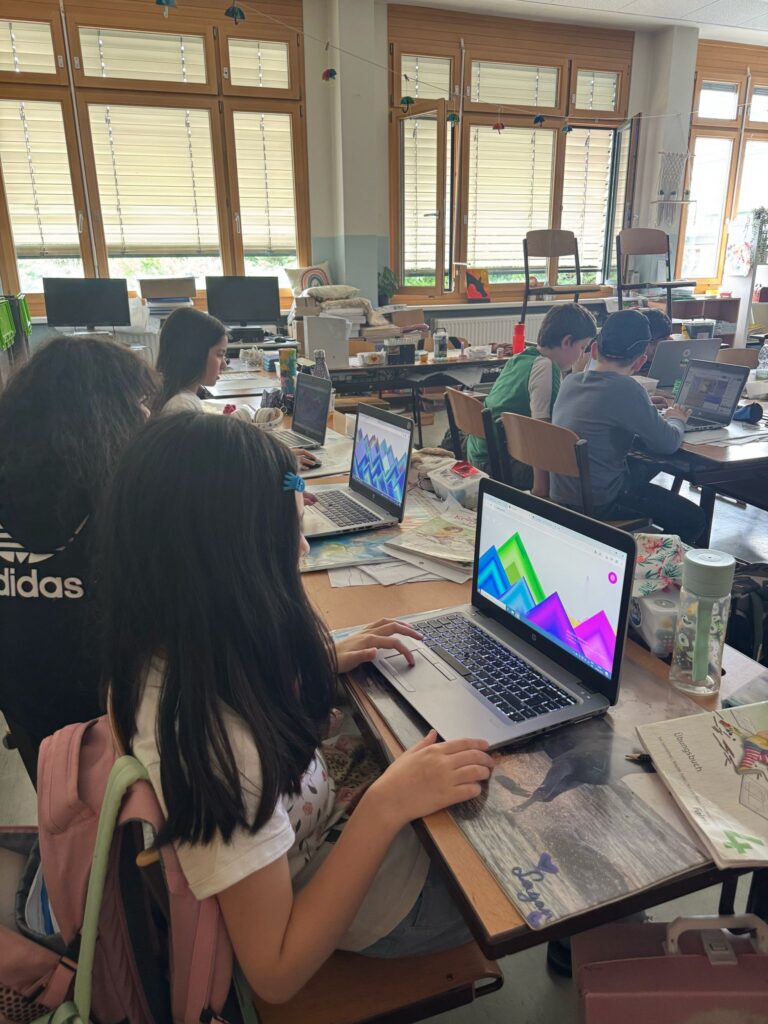
In Week 5, we continued working on the Catch the Apple game. This session was all about personalisation — giving the children space to make the project their own. They modified their games by changing sprites, adding sound effects, adjusting backgrounds, and even tweaking the game mechanics to suit their own ideas.
It was a real highlight to walk around the room and see the variety of creative choices the children had made. From colourful characters to imaginative settings, their individual styles and interests really came through. It was clear they were proud of their work and enjoyed the freedom to be creative within a structured project.
At the end of the session, the children were also given time to explore and search for other games on Scratch. It’s always interesting to see what catches their attention — whether it’s fast-paced action games, cute animations, or logic puzzles. These moments offer great insight into what inspires them and what kinds of projects they might like to create in the future.
Overall, it was a fun and inspiring session filled with creativity, exploration, and growing confidence in programming.
Session 6
Time – 2 hours
Topic: Creating Personalised Quizzes with Kahoot
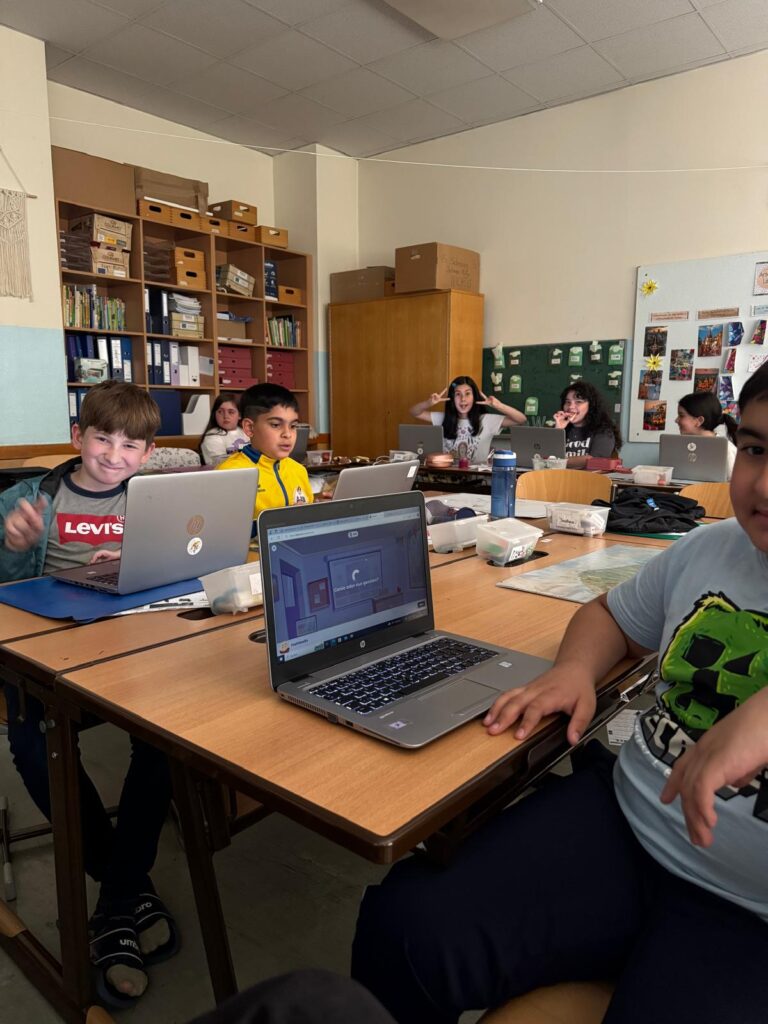
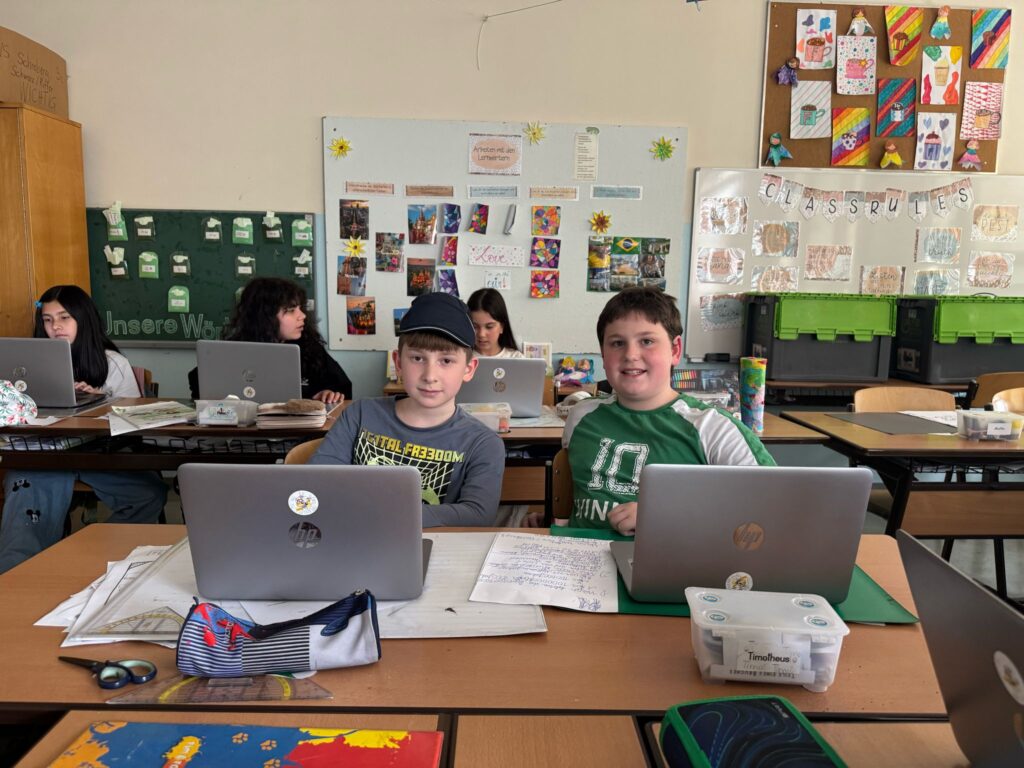
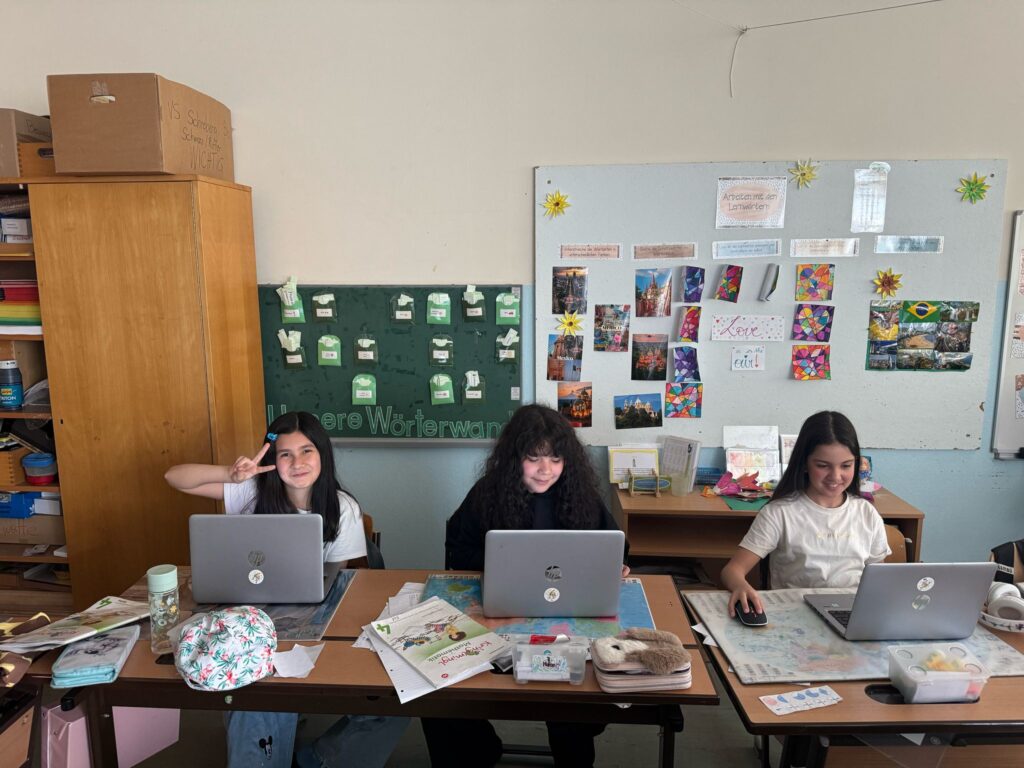
In Week 6, the focus shifted to creativity, collaboration, and critical thinking as the children worked in pairs to create their own quizzes on a topic of their choice. Whether it was a favourite music band, a sport they love, or another personal interest, the goal was to make learning fun and relevant to their passions.
The session began with each pair brainstorming and writing down their quiz ideas on paper. They came up with 10 questions, thinking carefully about both the content and how to make the quiz interesting and challenging for their classmates.
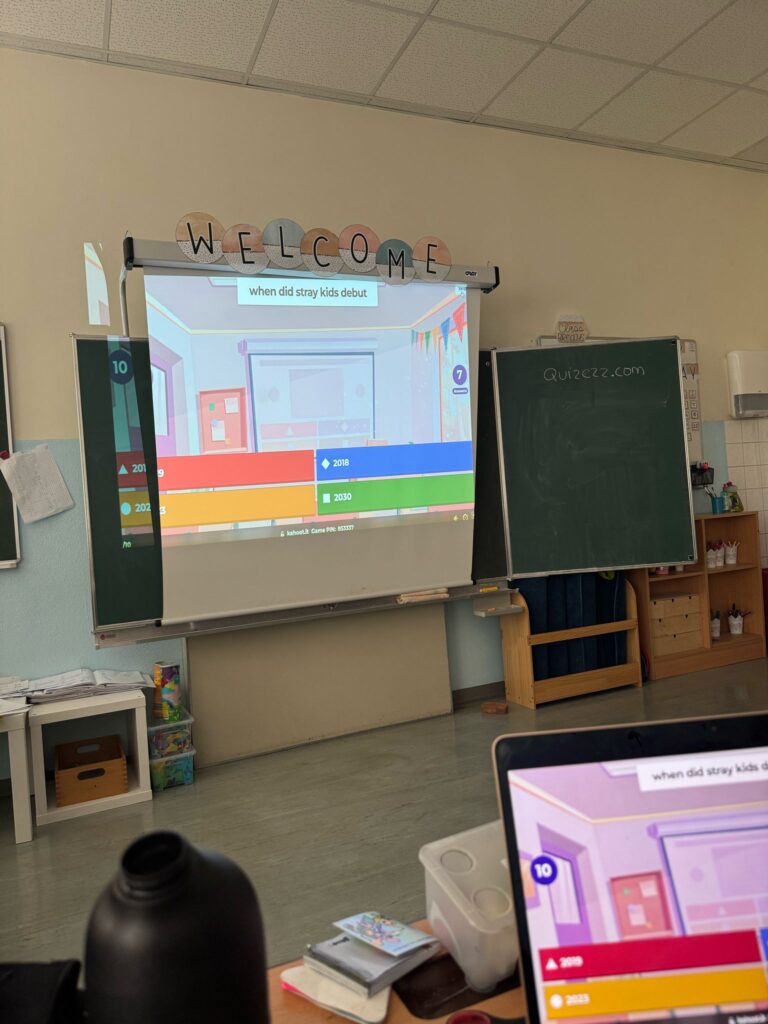
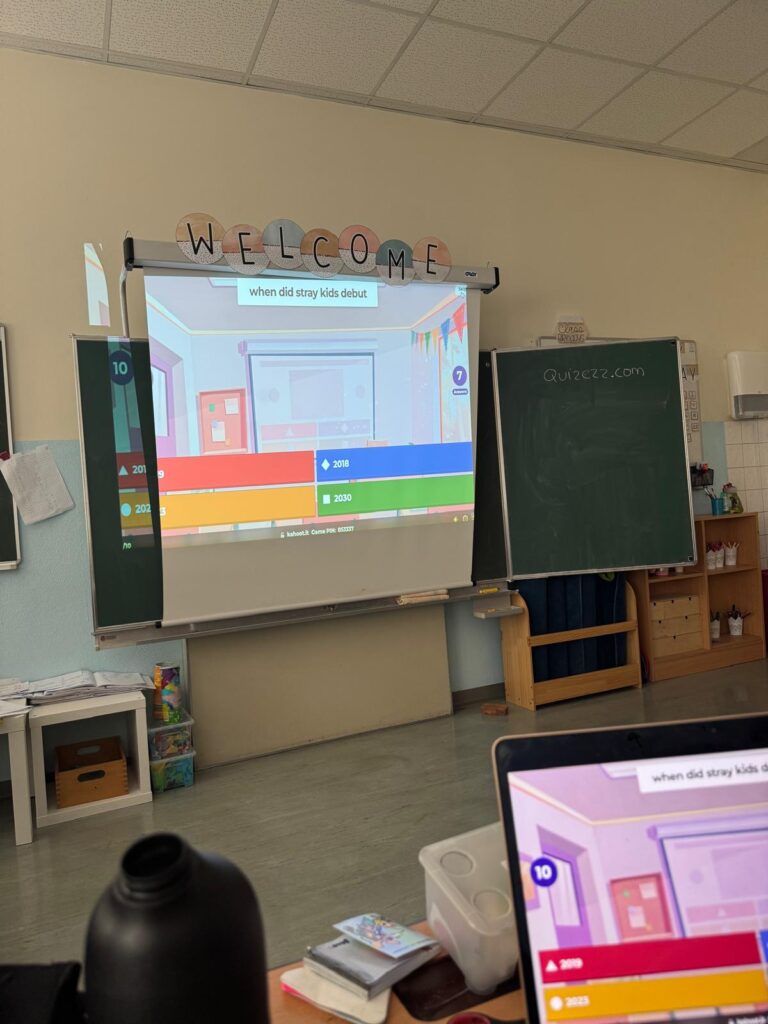
Once the planning phase was complete, the students used Kahoot to bring their quizzes to life. They added pictures, personalised the design, and fine-tuned their questions. It was great to see how much effort and thought they put into their work, and how they supported each other during the process.
After all the teams had completed their quizzes, we began playing them in multiple rounds. The classroom was full of energy and excitement as the children tested their knowledge, learned new things about each other, and had lots of fun in the process.
To close the session, we had a feedback round where the children reflected on what they had done well and shared what they liked about each other’s quizzes. This gave them a chance to feel proud of their work and to practise giving and receiving constructive feedback.
Overall, it was a dynamic and joyful session that combined learning with creativity, teamwork, and play.
Week 7 – Exploring Creative and Logical Thinking Online
In Week 7, we explored a selection of engaging websites that encouraged both creativity and logical thinking. The children had the chance to try out various tools and platforms that I discovered during my Erasmus trip to Turkey — a great opportunity to bring international inspiration into the classroom!
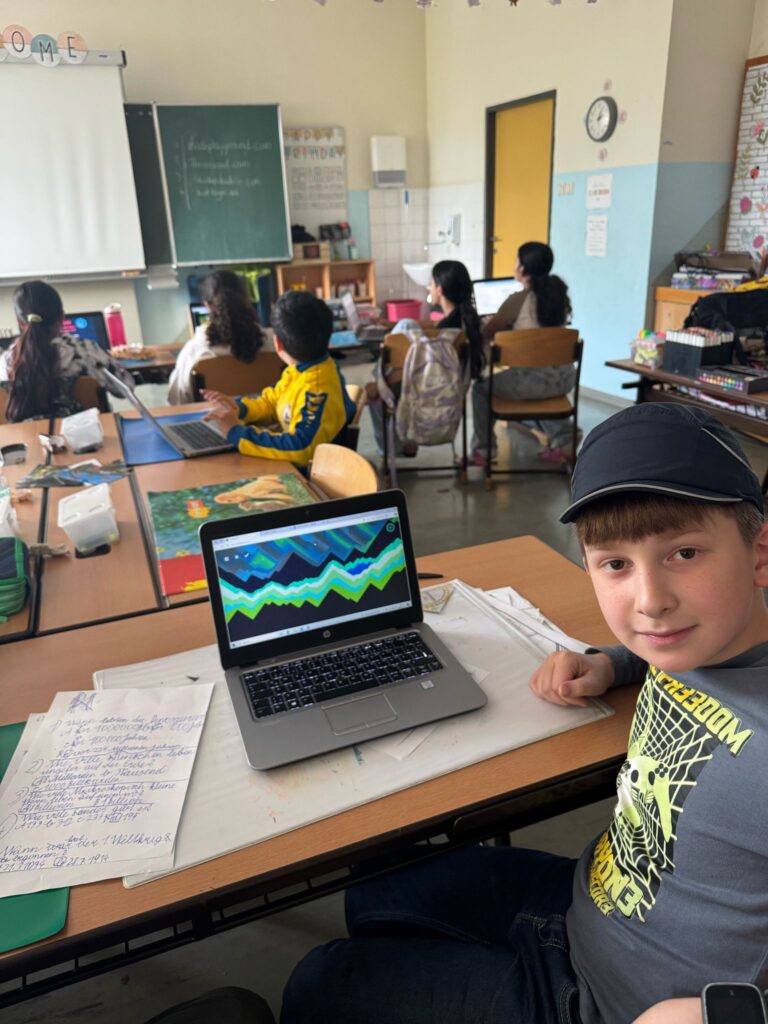
We started with ThisIsSand.com, a simple yet incredibly creative website where the children designed their own digital sand art. This was, without a doubt, the favourite of the day! The kids were fully absorbed in creating personalised sand pictures, experimenting with colours and patterns. The final results looked fantastic, and it was amazing to see how each child approached the task in their own unique way.
Next, we moved on to Kodris Studio and Bot Logic, two platforms that introduced programming in a playful, accessible way. The children worked with basic coding commands, solving puzzles and guiding characters through logic-based challenges. These tools were great for developing early programming skills and encouraging step-by-step problem solving.
Finally, we visited MathPlayground.com, where the children put their logical minds to work through a variety of fun math-based games. The platform offered a nice balance of challenge and entertainment, and many students really enjoyed testing their skills.
From the feedback, ThisIsSand stood out as the overall favourite — the simplicity and visual aspect really captured their interest. It was a great reminder that learning doesn’t always need to be complex to be meaningful and enjoyable.
Bringing these tools into the classroom after discovering them abroad was a highlight for me. It’s always exciting to see what other countries and schools are using, and even more rewarding to try them out with my own students. We never stop learning — and every experience brings new ideas, fresh perspectives, and inspiration.
Session 8
Time – 2 hours
Topic: Quizzes with Kahoot
Today marked our final computer lesson with class 4B, and it was a wonderful way to wrap up what has been a fun, creative, and educational journey. Throughout the course, the children explored programming, digital design, problem-solving, and creative thinking — and today we celebrated all of that with a session focused on quizzes.
We began by playing the remaining student-created quizzes that hadn’t yet been tested. The children were very excited to try out each other’s work and it was great to see how proud they were to see their own questions on the screen — and even more fun to watch their classmates try to answer them.
After that, we moved on to Kahoot, where I prepared a few fun quizzes in English. Kahoot proved, once again, to be a simple yet powerful tool — it only takes minutes to set up, but the energy and enthusiasm it creates in the classroom are huge. The kids loved competing against each other and were highly engaged throughout the session.
There was a touch of sadness that the course had come to an end, but I reminded the children that they now have a solid foundation of digital skills to build on in the future. They’ve shown creativity, curiosity, and teamwork, and I’m confident that many of them will continue developing their knowledge and exploring technology on their own.
Until next time — I wish all the children a happy, safe, and sunny summer!